Connector
I built Connector after a series of client requests: migrating data from one site to another during an upgrade. The need came back often enough to deserve a tool rather than yet another one-off script.
My experience with CMSs gave me the in-depth knowledge needed to make it simple on both sides: simple for developers thanks to diagrams, where a flow is read at a glance, and simple for clients thanks to a configuration wizard that builds a base configuration from what they need.
The program can migrate data in one go as well as keep it synchronised over time, between two applications: business management, CRM, online shop, marketplace or showcase site. Each connected application is declared with its access, credentials and sending settings: WordPress, PrestaShop, Shopify, Wix, Magento, WooCommerce, Sage, Divalto, Zoho, or any application exposing an API. A transfer profile then links two connections and gathers every exchange between them.
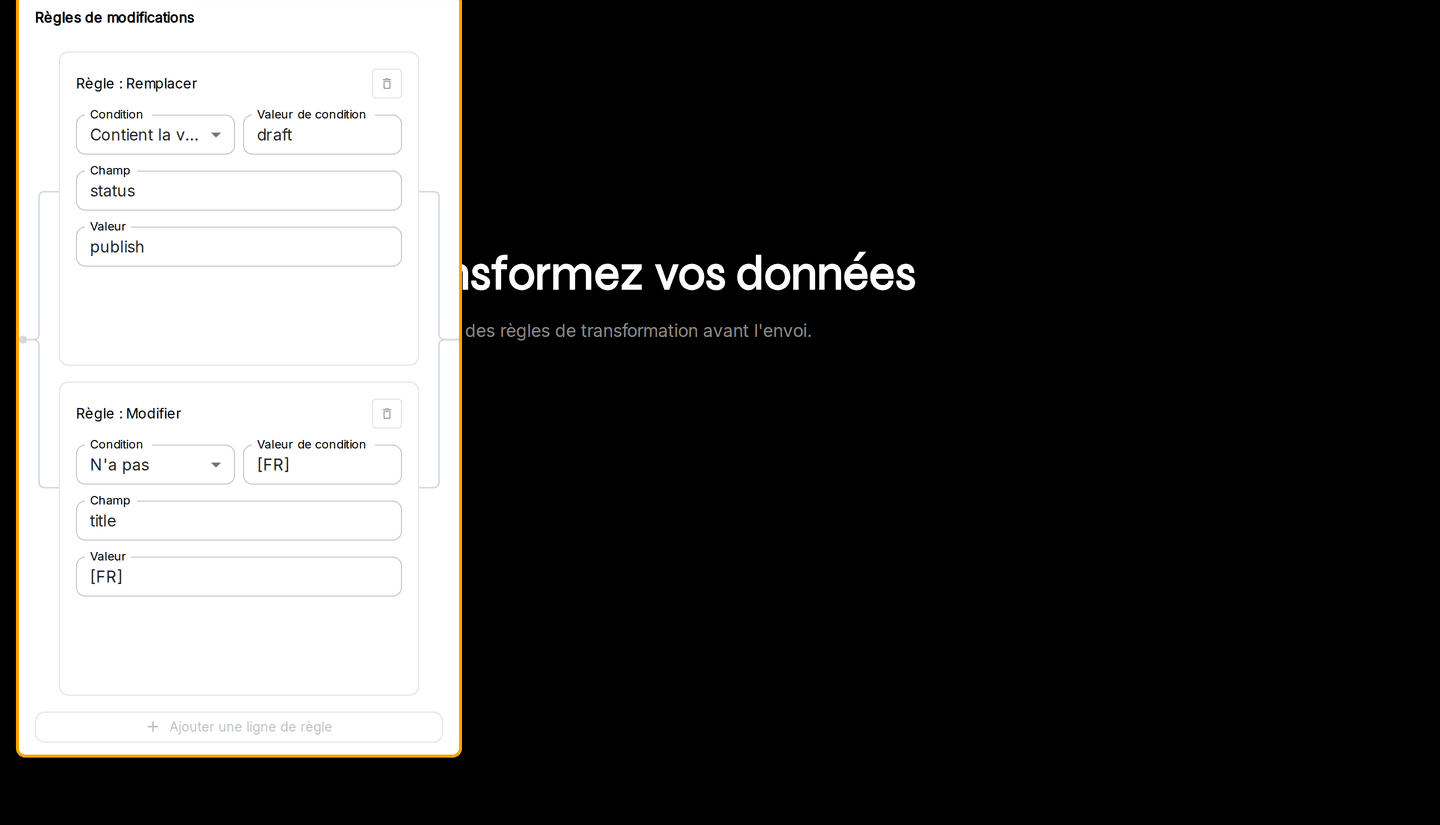
I put the flows on a canvas: source and destination nodes are positioned, linked, and rule groups are organised by drag and drop. Modification rules transform fields in transit, without writing code: add, edit, replace, mathematical operations, date formatting.
A transfer is started by hand, scheduled as a recurring task or triggered remotely by webhook. Connector queries the Swagger/OpenAPI of its connectors to check their availability and raise an alert as soon as a remote schema changes, logs every run with its precise status (success, failure, partial success, stopped) and traces runs, changes and deletions in a GDPR-compliant audit history whose sensitive details require password reconfirmation.
Today every exchange goes through API links. The tool was built so that adding other kinds takes very little time.
From a site migration to a tool
The first requests were migrations: taking the data of one site and pouring it into another, at upgrade time.
Rather than rewriting a script every time, I turned that need into a tool, able to migrate in one go as well as synchronise continuously.
Simple for the developer, simple for the client
On the developer side, everything is read as diagrams: the source, the destination, the rules that sit between them.
On the client side, a configuration wizard asks the useful questions, with no technical skills needed: choice of application, connection, authentication, API version. Out of it comes a base configuration matching the need.
The visual flow editor
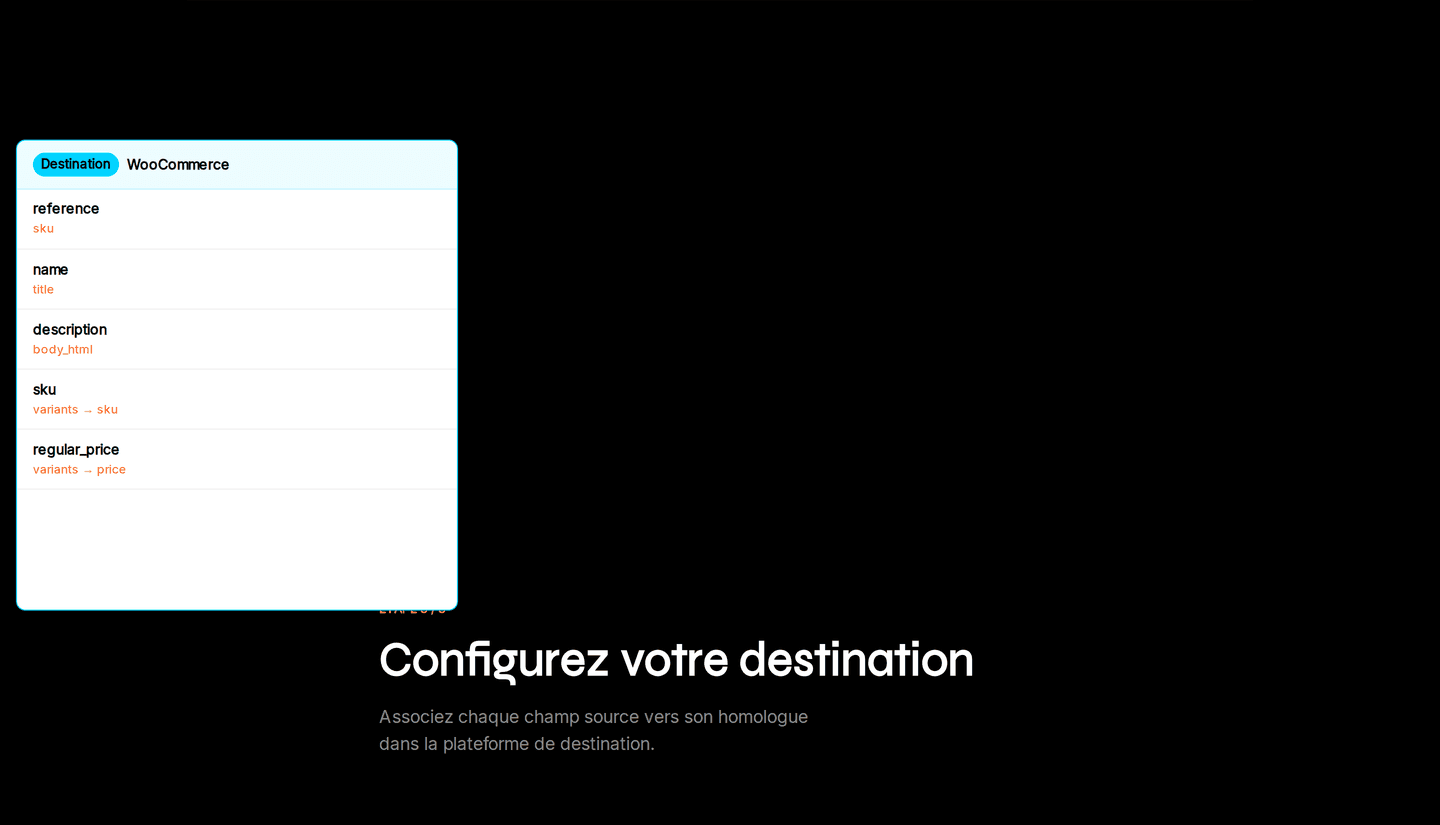
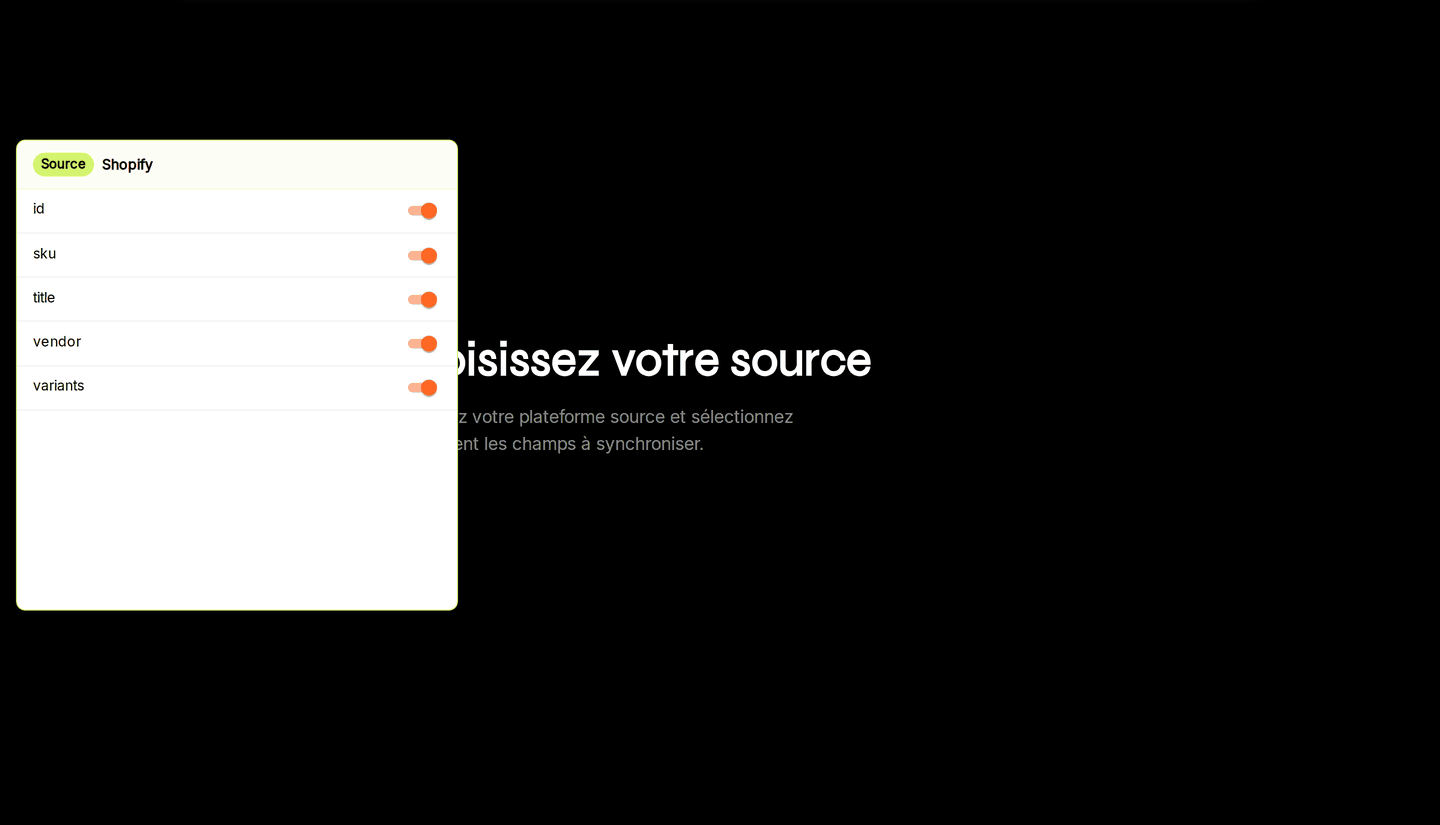
A flow is composed in three steps: pick the source and the fields to synchronise, apply the transformation rules, then map each field to its counterpart in the destination platform.
Everything happens by drag and drop on a canvas, nodes and rule groups included.
Triggering and monitoring
A transfer is started manually, scheduled as a recurring task or triggered remotely from a webhook.
Schema detection queries the connectors’ Swagger/OpenAPI and raises an alert as soon as a remote platform changes its API, before synchronisations suffer from it.
Logs and audit
Every run is logged with its precise status (success, failure, partial success, stopped) and can be filtered by period.
The audit history keeps runs, changes and deletions; access to sensitive details requires password reconfirmation, in an application hosted in France.
API links, with room for the next ones
Every link in service today is an API link.
The architecture was designed from the start to add others quickly, without reworking what already exists.