B.E.N.O.I.T
B.E.N.O.I.T came right after I left Atoo-Next. I wanted to go back to basics and write a functional testing program that every team in a company could understand, not just the developers.
To always work in a clean test environment, I built it as a SaaS: each scenario of a test runs in its own virtual machine, created for the occasion. A viewer follows the test live, and the run is recorded on video.
The report keeps the classics, the error encountered and its screenshot, and adds the browser console to them. A dedicated interface then replays the video step by step, showing what the console said at that exact moment: you watch the test again as if you were running it yourself.
To make the system more human, every test is written in plain language: “I click on the “Confirm” button”, “I enter “…” into “Email””. Scenarios are arranged in a tree where each branch is a path, and each one can be replayed step by step.
Finally, when I automate for a client who no longer remembers their own scenario, I generate a viewer of that scenario together with its video: they find the steps there to run it by hand again.
Going back to the basics of testing
Coming out of Atoo-Next, I wanted a functional testing tool that anyone in the company could read: project managers, support, management, and not only the technical team.
That decided everything else: the language the scenarios are written in, the video playback, the shape of the reports.
One virtual machine per scenario
The software runs as a SaaS: for each scenario of a test, it creates a dedicated virtual machine and runs the path there. No scenario inherits the state left by the previous one.
A viewer shows the test live while it unfolds.
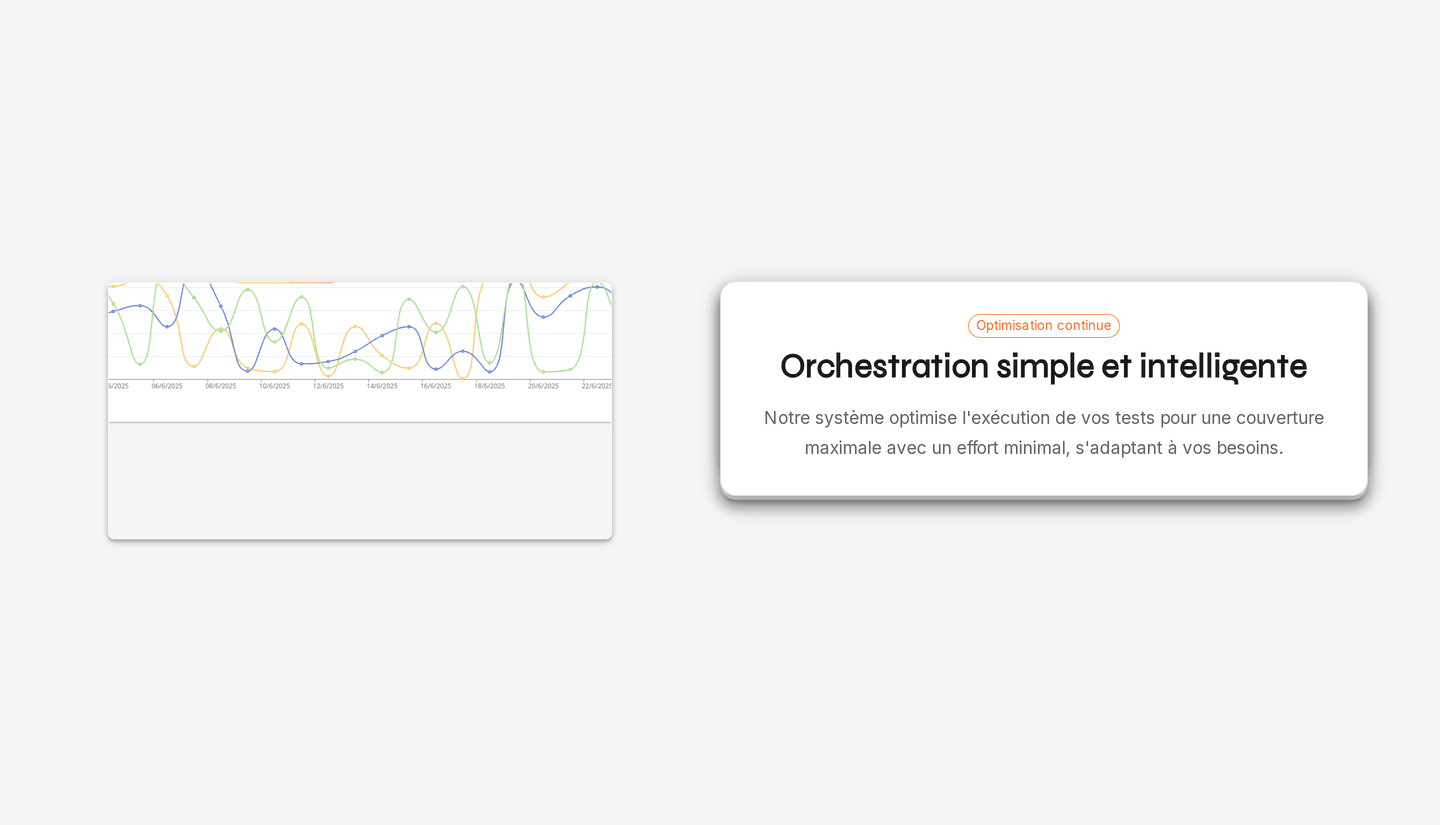
Video and console, at the same instant
Every run is recorded on video. The report adds the error encountered, its screenshot and the browser console to it.
A dedicated interface replays the video step by step and shows the console output at the exact instant it appeared: the error is read back in context, as if the test were being run again.
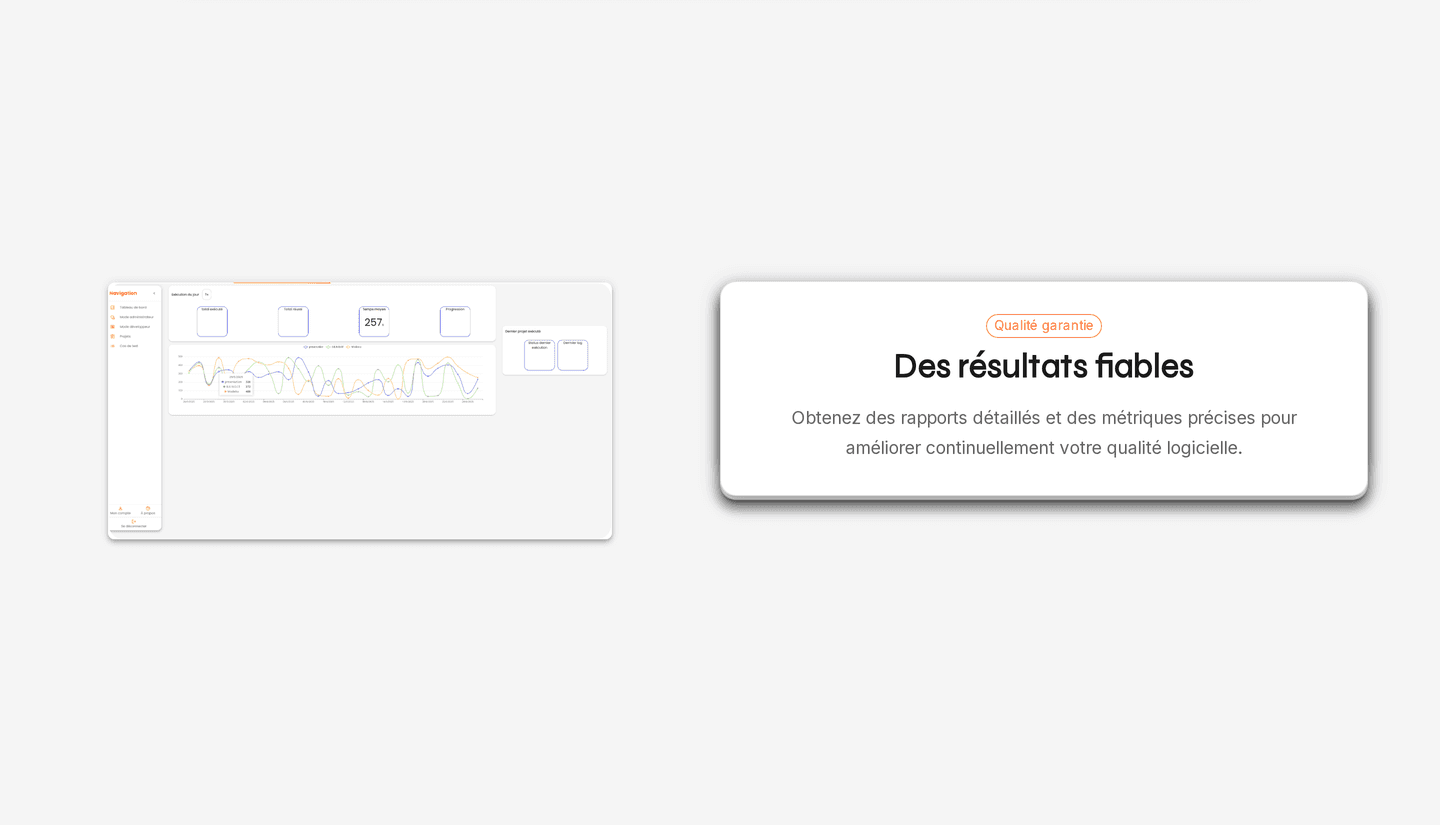
Scenarios written in plain language
A test is written in sentences: “I click on the “Confirm” button”, “I enter “…” into “Email””. Anyone in the company can read it, review it and correct it.
Scenarios form a tree: each branch is one possible path, and replays on its own.
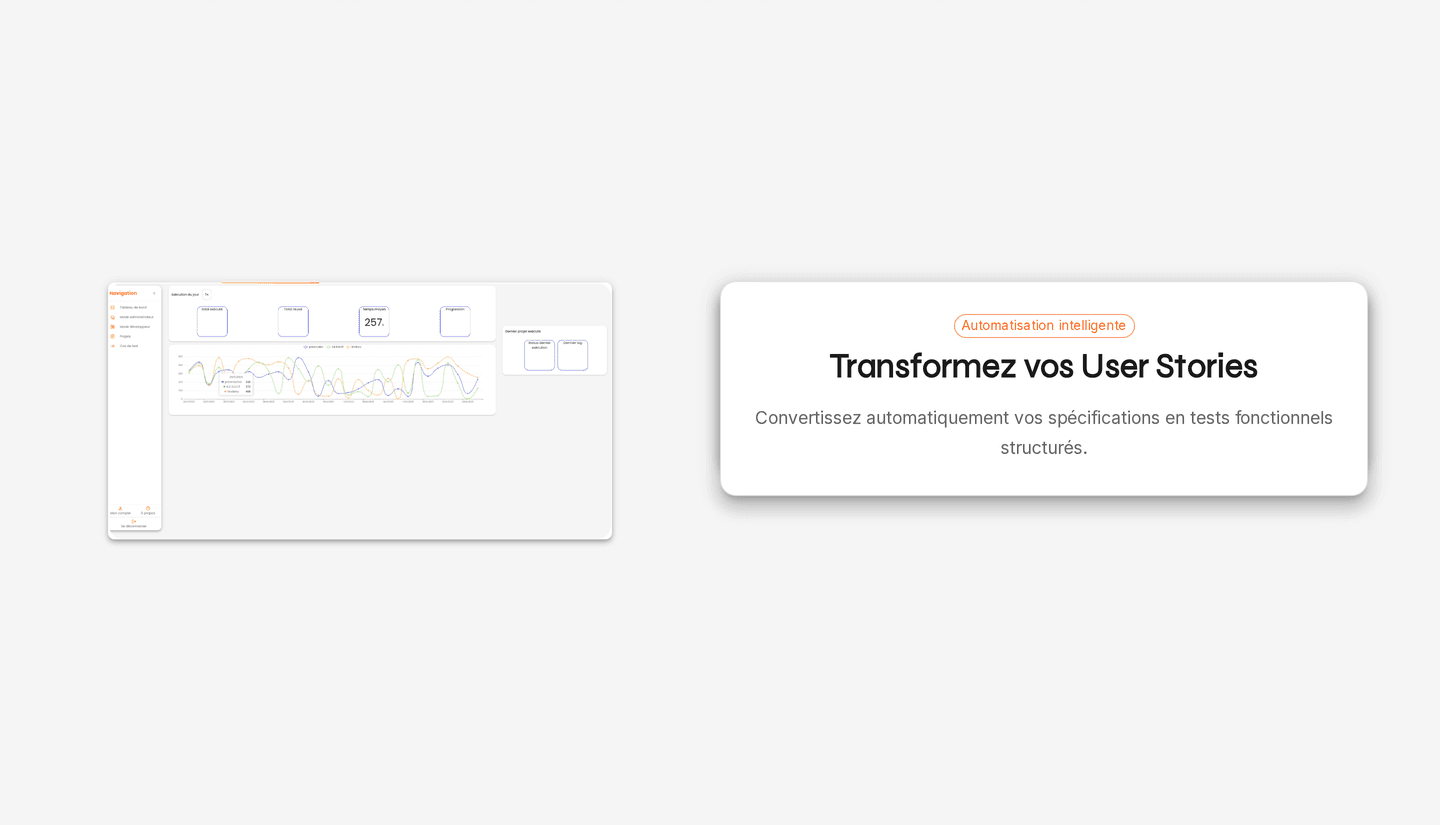
The viewer handed to the client
When I automate a client’s scenario, I can generate a viewer of that scenario for them, with the video alongside.
If they have to go through it by hand again and no longer remember it, they find the steps there, one by one.